Text to Video
Turn a text prompt into an AI video with motion, framing, and mood already built in. It is a fast way to move from an idea to footage you can review or ship.
Try Text to Video
Generate cinematic videos and images with leading AI models, all in one creative studio.
Explore AI images and videos created from prompts, photos, and video clips with leading AI models.
Veo 3.1 Quality
Happy Horse 1.0
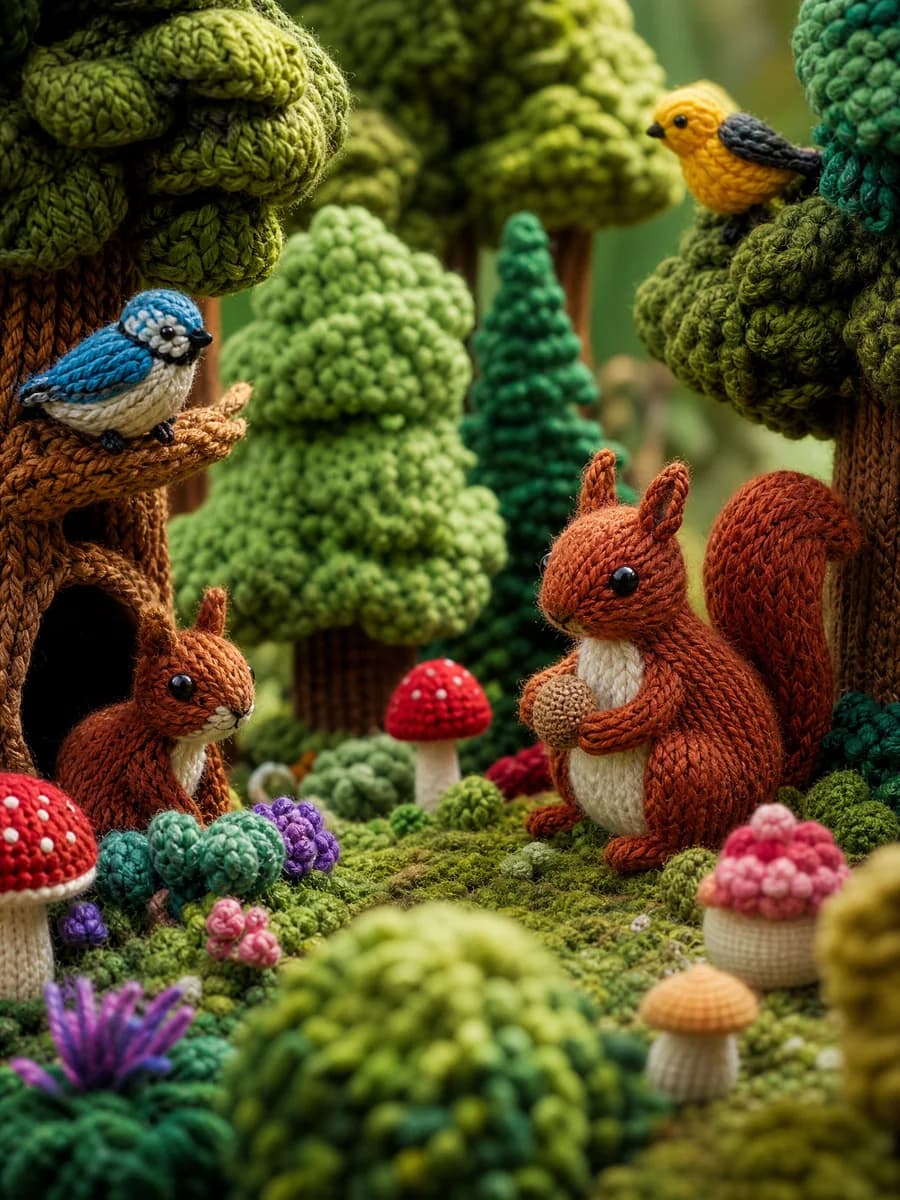
ChatGPT Image 2
Seedance 2
Omni 1.1
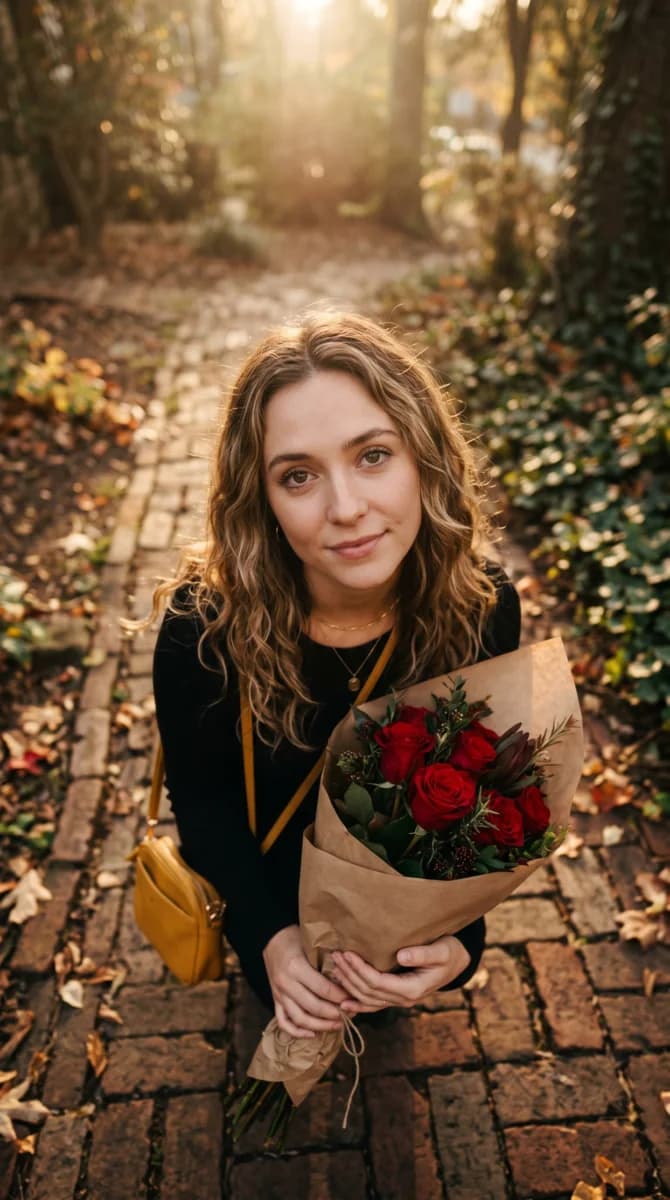
Wan 2.7 Image Pro
Seedance 2 Mini
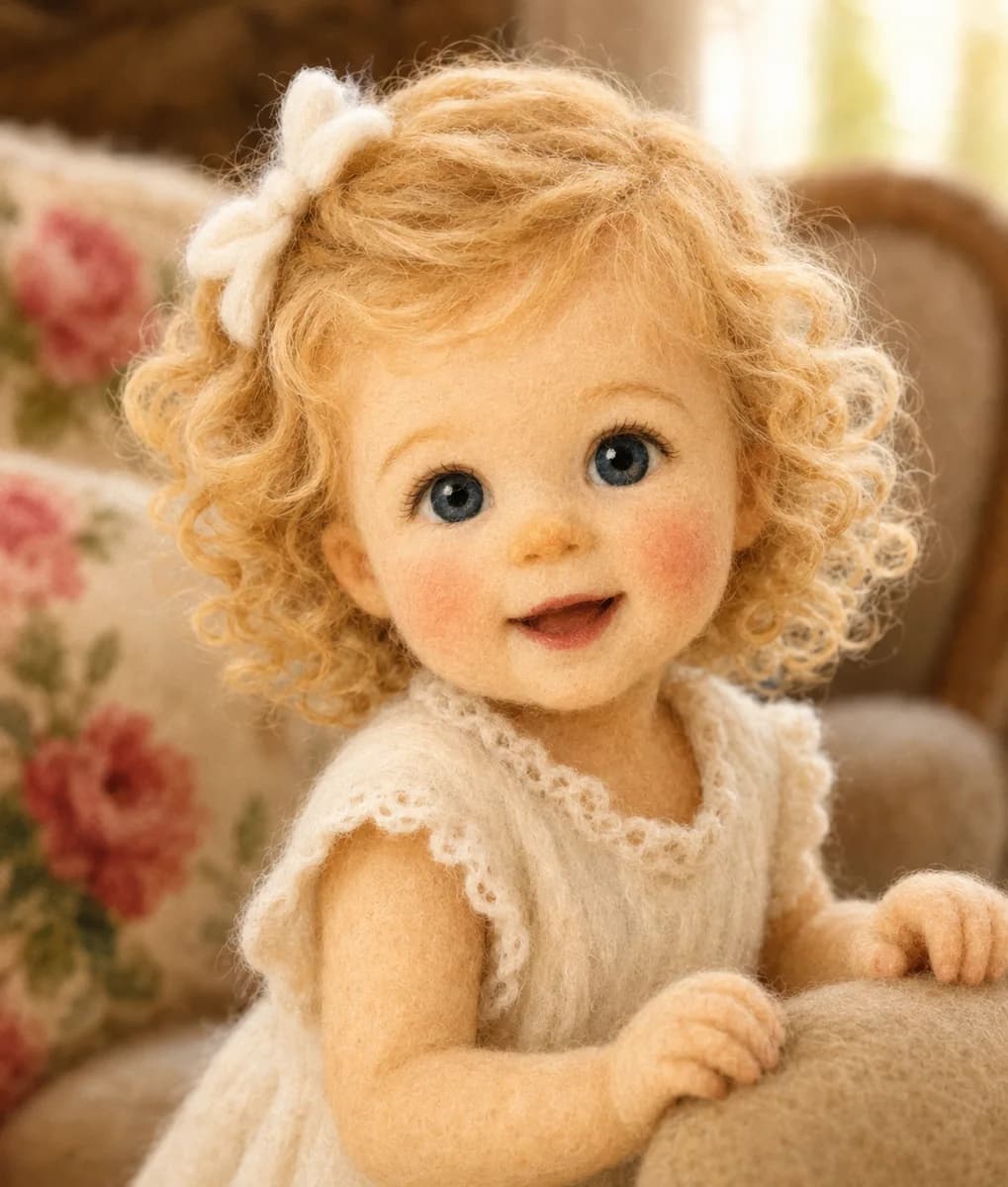
ChatGPT Image 2 Edit
Veo 3.1 Lite
Seedance 2 Fast
Kling 3 Motion Control
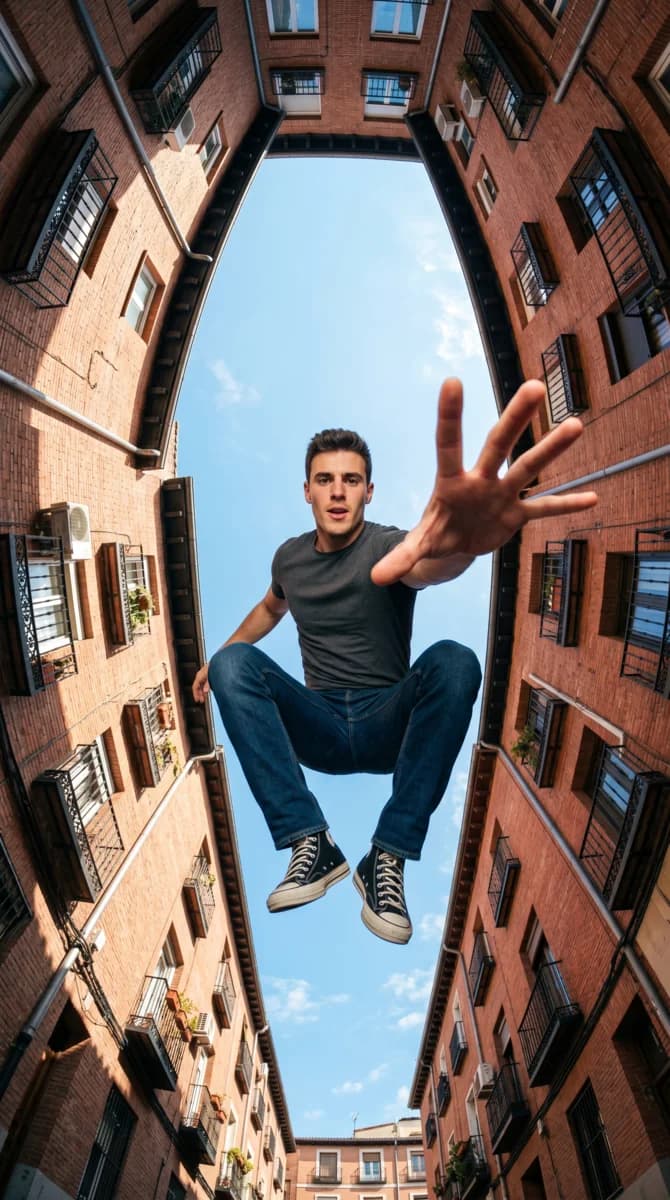
Grok Imagine Image Edit
Seedance 2 Mini
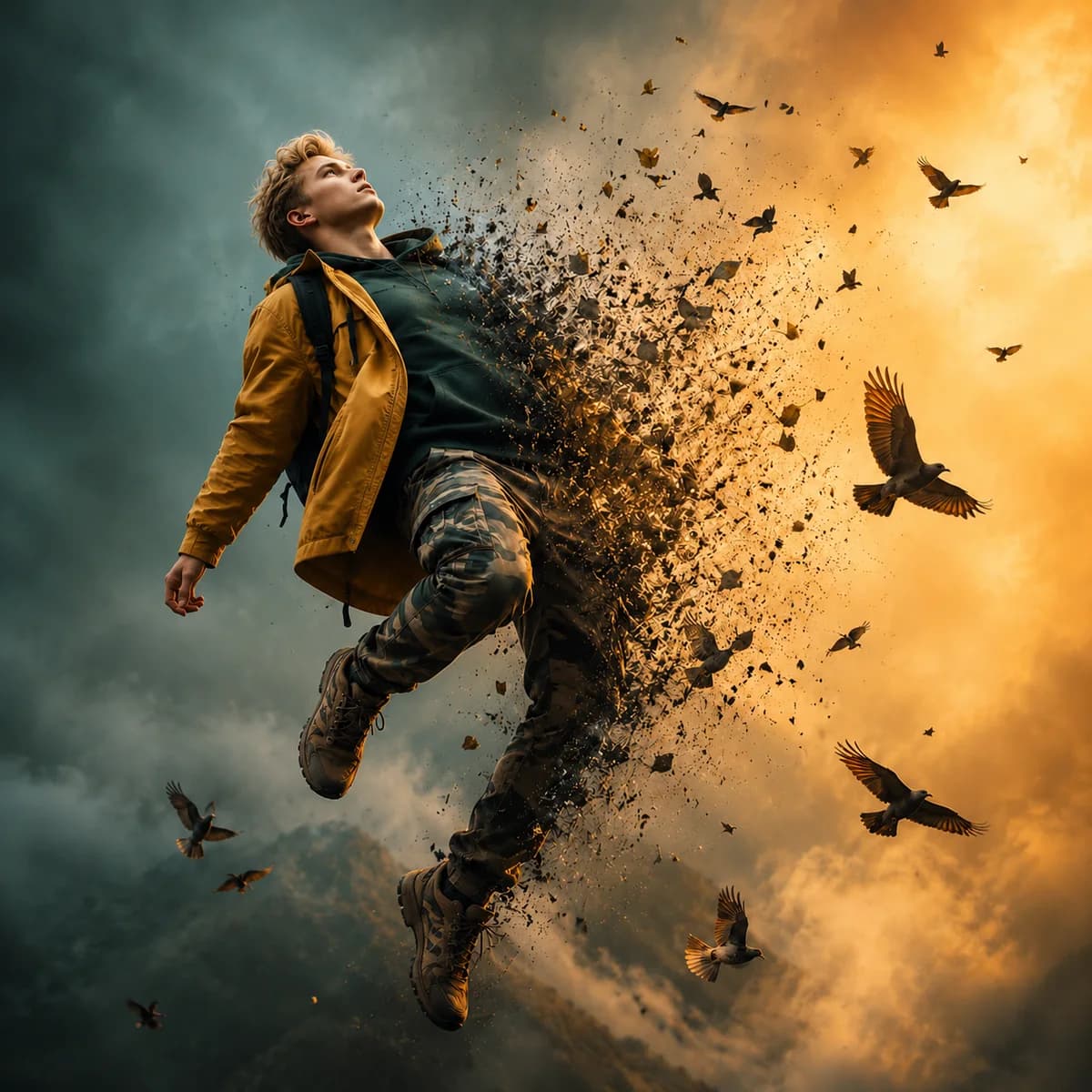
ChatGPT Image 2
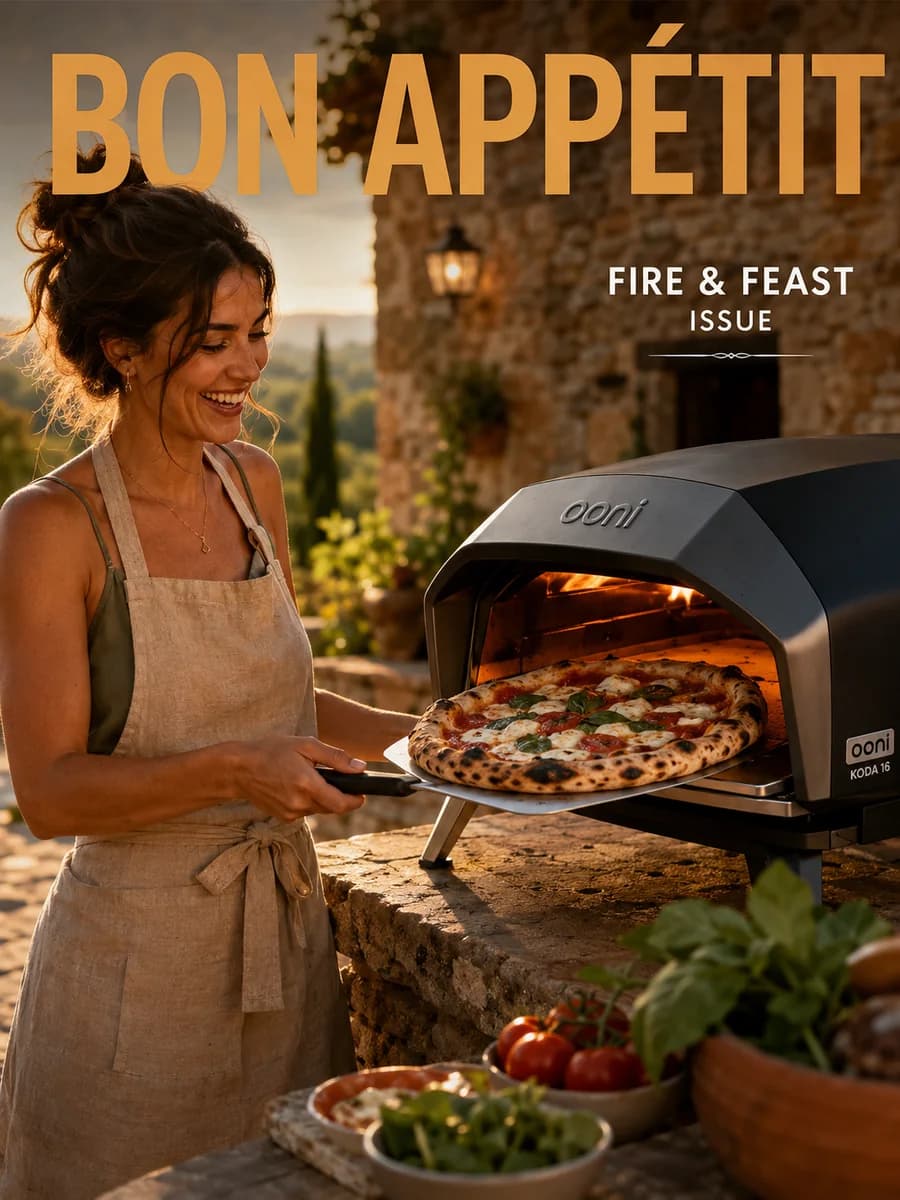
ChatGPT Image 2
MiniMax H3
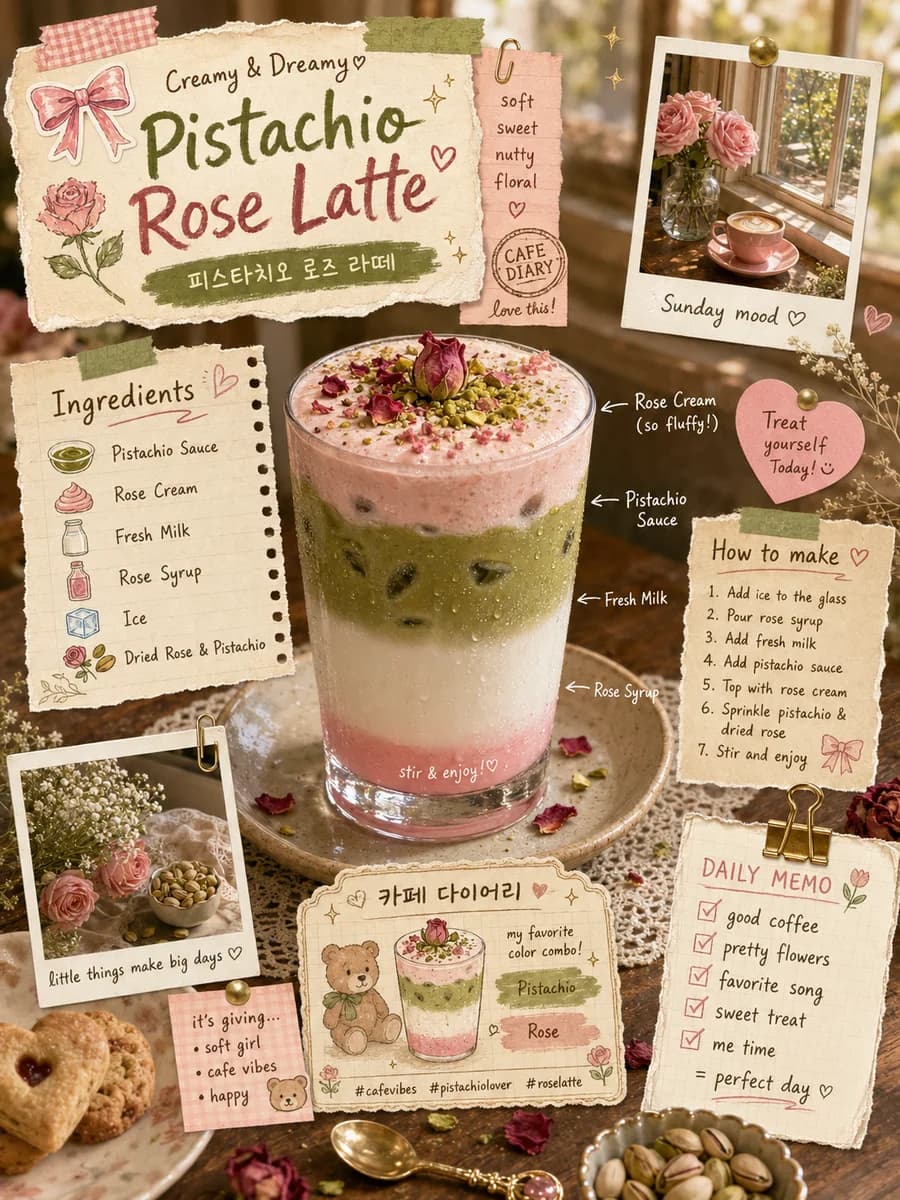
ChatGPT Image 2
Veo 3.1 Fast
Start with a prompt, images, or video and choose the right AI image or video generation workflow.
Explore focused AI image and video tools for portraits, image-to-video animation, and directed short clips.
Create AI images and videos for product launches, campaigns, social content, ecommerce, and creative projects.
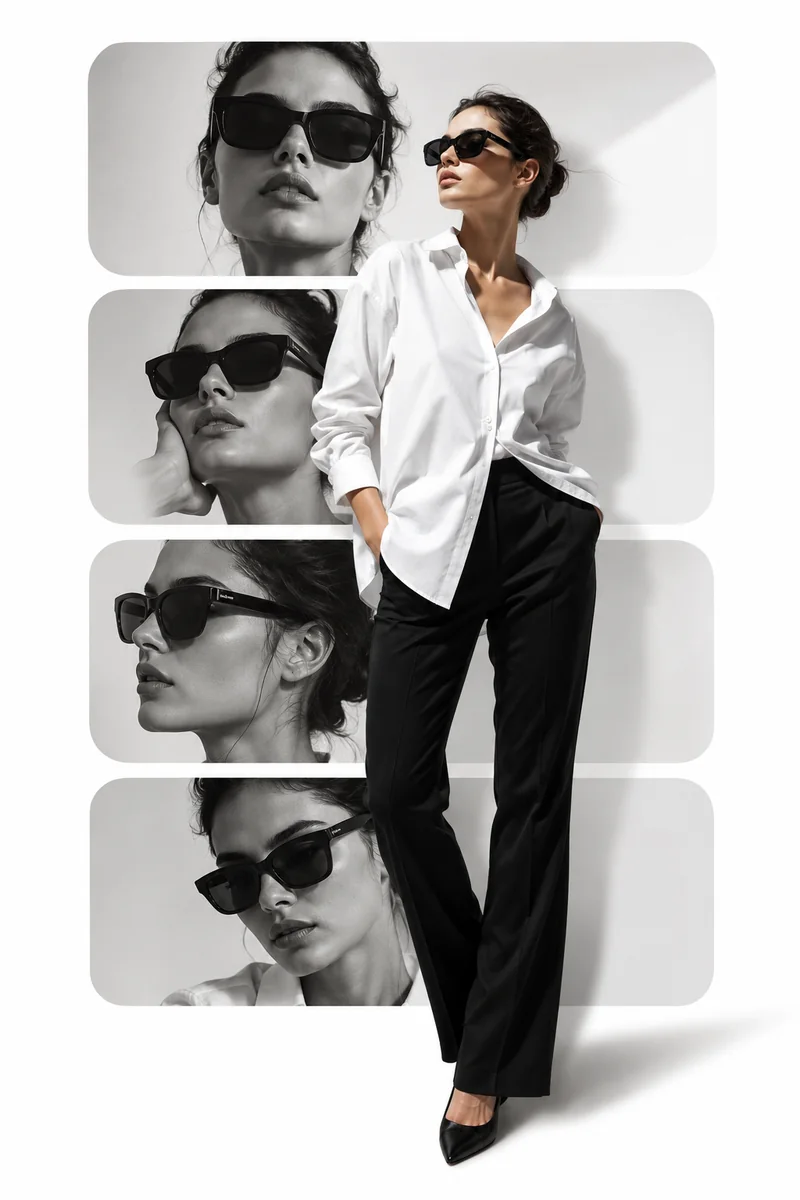
Create campaign hooks, paid social creatives, launch clips, and other marketing assets faster with AI image and video generation.
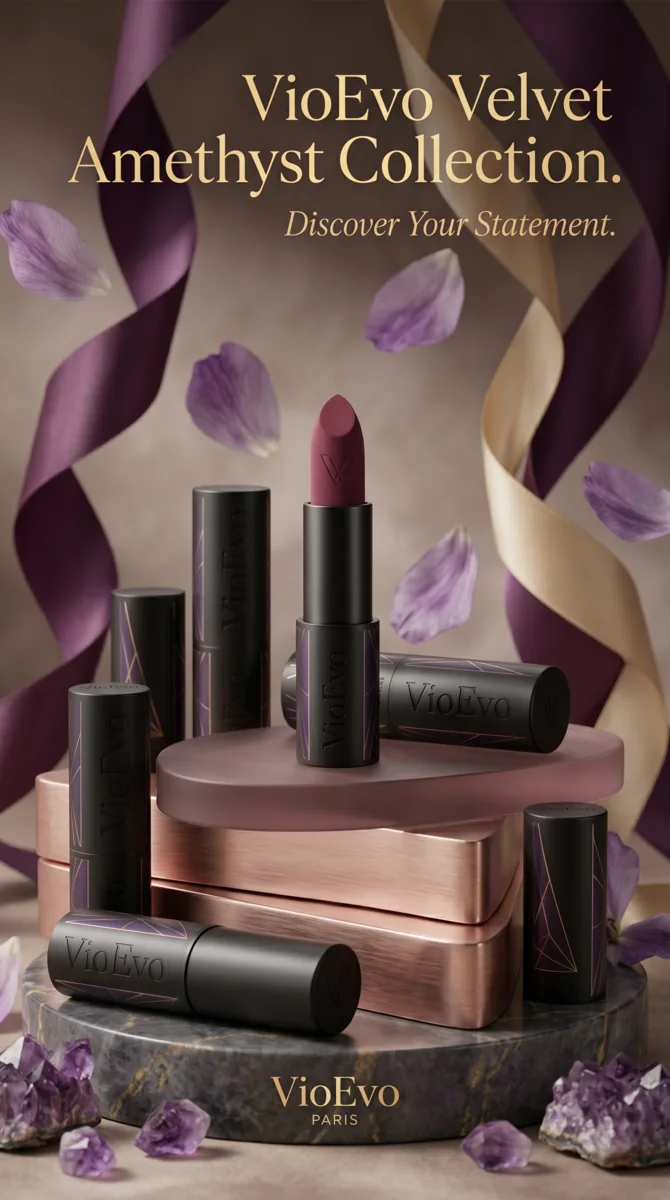
Turn product shots into polished AI product images and motion-ready videos for ecommerce campaigns and storefronts.
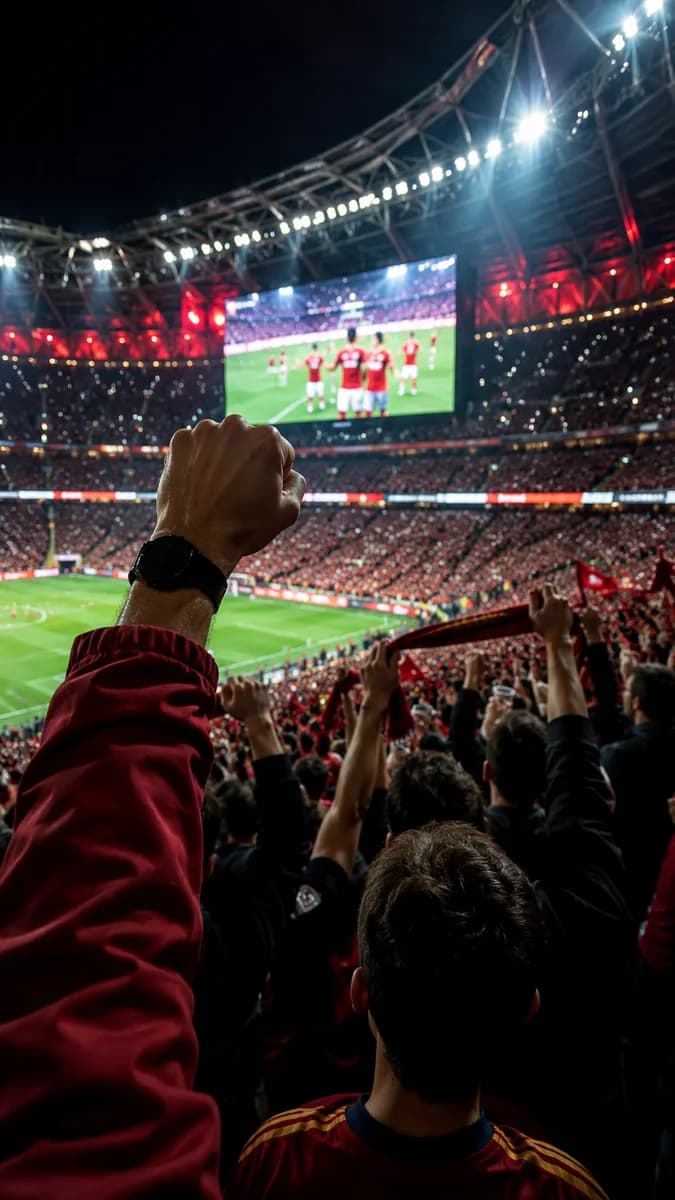
Prototype AI video scenes, teasers, storyboards, and cinematic motion faster for media and entertainment projects.
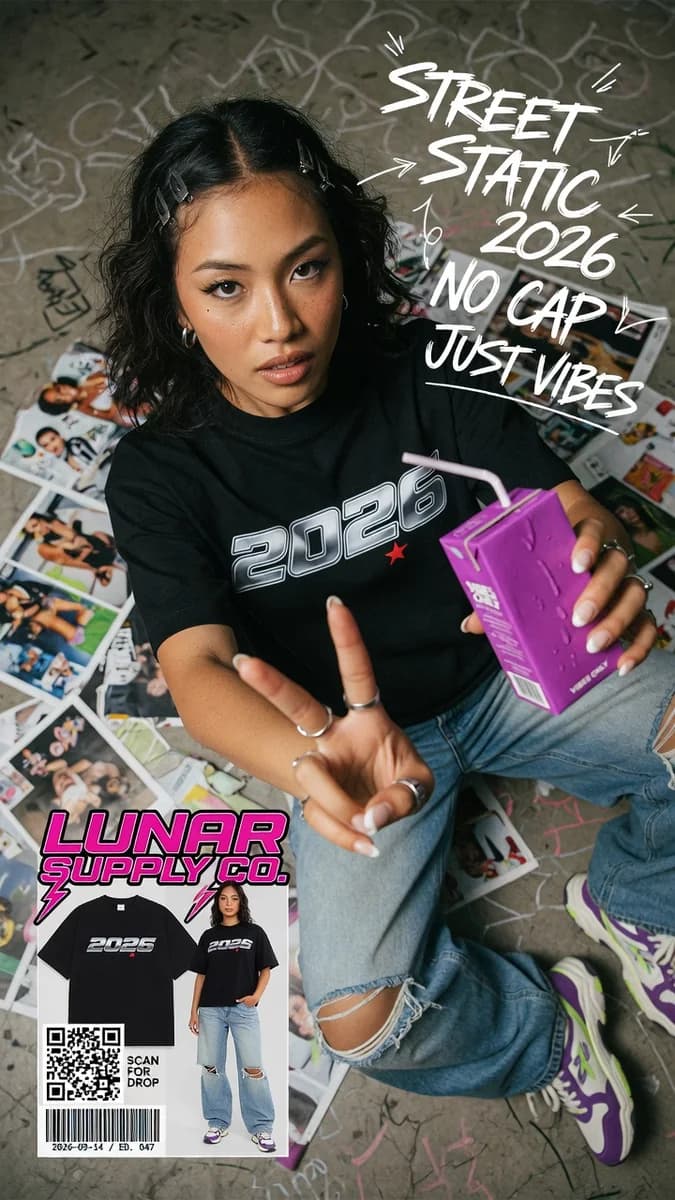
Turn rough ideas, clips, and drafts into polished AI images and videos for social content faster.
Simple, transparent pricing with no hidden fees. Subscriptions can be canceled anytime.
Email support@vioevo.com for support.
We're here to help.
Get answers about AI image and video generators, workflows, models, commercial use, and more.
VioEvo turns text prompts, photos, source images, and video clips into AI images and videos. You can create product visuals, social content, campaign assets, storyboards, portraits, and short cinematic scenes.
Yes. You can start with a photo, source image, or video clip. Depending on the workflow, VioEvo can animate a still image, transform an existing clip, or use visual references to guide a new AI image or video.
No. If you can write a short brief or upload a source asset, you can get started quickly. The controls are designed to keep the workflow approachable for creators, marketers, and teams.
VioEvo includes AI video models such as Seedance 2.5, Seedance 2, Veo 3.1, Kling 3.0, Happy Horse 1.1, MiniMax H3, and Wan 2.7. Image models include ChatGPT Image 2, Nano Banana 2.1, Grok Imagine, and other routes. Read the model guides to compare capabilities and use cases.
Yes. VioEvo supports both AI image generation and AI video generation in one creative studio. Create concept images, storyboards, product visuals, launch assets, and animated clips without switching platforms.
Use Text to Image or Text to Video when you are starting from an idea. Use Image to Video when you already have a strong still image, Video to Video when you want to transform existing footage, and Reference to Video when subject or scene consistency matters.
Yes. The public pricing plans shown on the site include commercial use license coverage, so you can use the results in marketing and commercial projects.
VioEvo is an independent AI creation platform. The model names shown on the site indicate the generation models available inside VioEvo.
Compare the leading AI image and video models available on VioEvo.
Choose an AI image or video generator, pick a model, and start creating in minutes.
Create your free account in seconds and start generating right away.



